Sportswear Manufacturer
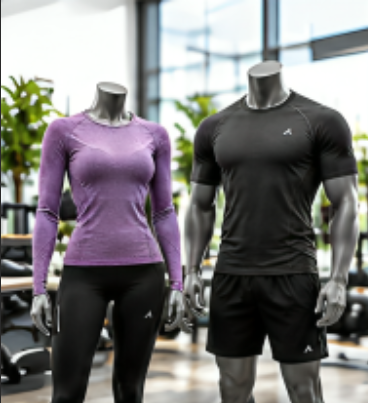
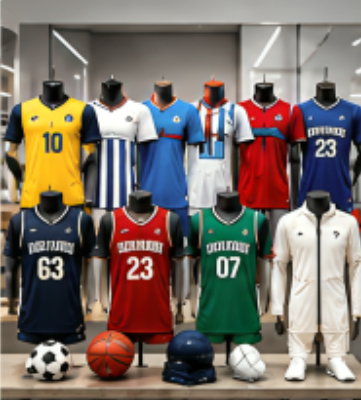
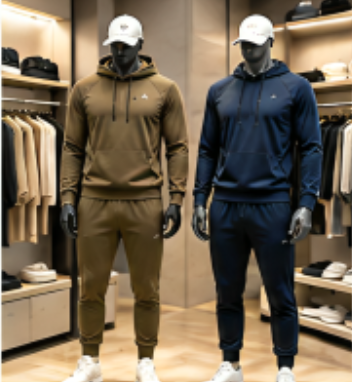
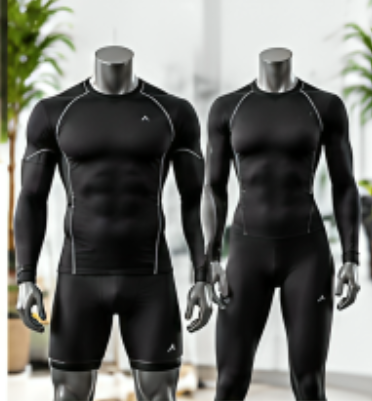
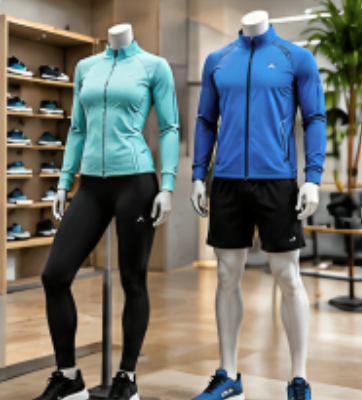
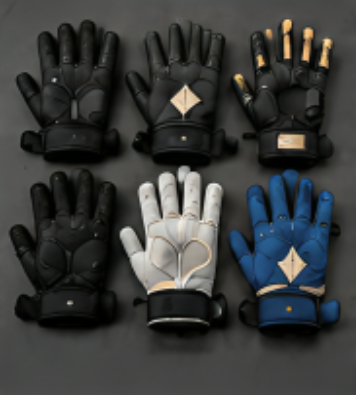
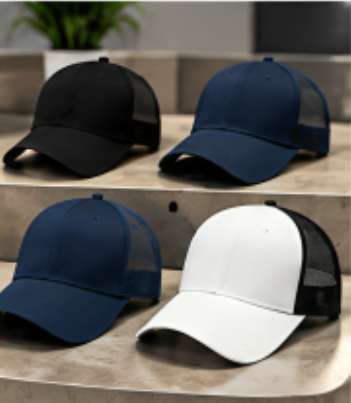
Wa Alaikum Assalam. Welcome to WebDev.7. I've reviewed your continuation instructions and the Delta Warrior Sports project documentation. I will continue from the approved implementation state without restarting completed work or introducing alternative technologies. The project will continue using WordPress + Astra + Elementor + Rank Math + LiteSpeed Cache, maintaining the approved premium OEM/ODM manufacturer positioning and the permanent Islamic modesty requirements for all visuals. Project Continuity Confirmed I have adopted the following as the current project state: ✅ Completed Hosting, domain, SSL Business emails WordPress installation Astra configuration Elementor configuration Rank Math installation LiteSpeed production configuration (except Tuning CSS) Header/Footer Navigation Homepage assignment Blog assignment Homepage content and design About page content Hero image prompts Premium B2B manufacturer positioning Current Stage Finish LiteSpeed → Page Optimization → Tuning CSS Finalize LiteSpeed configuration Purge/regenerate caches Website validation Image optimization PageSpeed & GTmetrix baseline Homepage polishing Header redesign implementation Remaining pages SEO implementation This matches the approved implementation roadmap and project blueprint. Important Project Rules I'll Continue Following Website Positioning The website will continue to present Delta Warrior Sports as a: Premium OEM Manufacturer Premium ODM Manufacturer Private Label Manufacturing Partner Global Export Partner Never as: Retail store Fashion brand Ecommerce shop This remains consistent with the approved Website Blueprint and Brand Foundation. Visual Standards Every future banner, render, AI image and catalogue visual will continue to follow the approved visual system: Industrial Premium Corporate Manufacturing-first Export-focused Professional sportswear branding and the permanent Islamic Modesty policy: Long-sleeve female sportswear Full-length bottoms High neckline No revealing apparel Sports bras, crop tops and similar products shown only via product-only methods such as ghost mannequins or flat lays. WebDev.7 Starting Point As noted, the previous chat ended because of the attachment limit while reviewing: LiteSpeed Cache → Page Optimization → Tuning CSS This is exactly where we will resume. We will not revisit: CSS JavaScript HTML Media VPI Media Excludes Localization Tuning since these have already been finalized. Immediate Next Task Please upload the remaining LiteSpeed → Page Optimization → Tuning CSS screenshot(s). Once I receive them, I will: Review every setting individually. Explain: What it does Whether it should be ON/OFF The production recommendation Why Provide the exact WordPress/LiteSpeed interface mapping (consistent with our beginner-friendly workflow). Confirm the final production configuration. After Tuning CSS is Complete We'll proceed in this exact order: Finalize LiteSpeed Purge All Cache Purge CSS/JS Optimization (if available) Regenerate Critical CSS / UCSS (if available) Wait 5–15 minutes Website Validation Homepage About Products OEM ODM Private Label Blog Contact Check menus, buttons, animations, images, responsive layout, and CLS. Image Optimization Generate WebP Compress images Resize oversized assets Verify responsive image delivery Improve LCP and CLS Performance Benchmarking Google PageSpeed Insights GTmetrix Analyze Core Web Vitals Resolve remaining bottlenecks Website Refinement Homepage spacing, margins, typography, and consistency Approved premium header redesign (single-row, 85–95 px height) Footer refinement Sequential review of every remaining page Rank Math SEO implementation (titles, schema, internal links, Open Graph, sitemap, image SEO, breadcrumbs, redirects) This keeps us aligned with the approved roadmap and avoids repeating completed phases. the first 4 steps you consider completed and go from step 5 to onward please, we already spent too much time on them. One thing is important to mention here, our home page looks correct on desktop, but mobile view is not correct, i wan just fix this one thing before going head (screenshots attached). After completion it, we'll go to directly from setp 5 to onward. Here'is the screenshots of tabs. here's the screenshots, i don't know the answer of this question; When you switched Elementor to Mobile View (phone icon at the top), did the preview inside Elementor also show the broken text, or did it still look correct? here's the screenshots of parent container and tab, and mobile view. mobile view also not showing the images, as showing in the desktop view. here's mob view screenshots of lef container here's layout, style, and advanced tabs plz have Tuesday 4:58 PM I done coloumn view, and finished pedding and margins, now it's showing correct, Alhamdulilla. Now just the heading font looking large in mobile view, but i'm not sure if i change the size either it will effect desktop view or not. here's screenshots. Yesterday 1:42 PM here's next screen screenshot for connecting google services here's next screenshot here's screenshots of https://search.google.com/search-console/ & https://analytics.google.com/. I don't know what to do next on google analytics. Regarding your question, everywhere i used my yahoo account in the whol process to date, just now i added my google account to connect google services, therefore don't know about your question's answer. its asking business category +which should select i selected your recommended objectives, the other shouldn't need to select what's about it url incorrect? here's next screen here's next screenshot before going to wordpress rankmath, plz let me know what to do this window of rankmath Delta Warrior Sports (401219398) i didnt created this account but showing there, i used sheeramman.sa@gmail.com for google connecting, and what to do with exclude logged? here's sitemap here's next here's next now i'm here on analytics, and here in rankmath (in separate windows), screenshots attached, which one we should proceed first? here's next screenshots here's schema markup now plz also complete this, because in this window last step 5 of data collection remaining i clicked next from the previous screenshot and it's showing the attached screenshot Google analytics showing screenshot, also the screenshots attached of WordPress Dashboard → Rank Math → General Settings → Analytics Pasted text(3).txt Document here's google analytics screenshot and source infromation is also attached Pasted text(4).txt Document page sources attached what should i do here in screenshots here's next screen what should i do now here's the screenshots of analystics, i've added this one G-LY9QDLHGRN Today 7:54 AM Here's the screenshots, so whats nex Today 9:36 AM I found, its realtime tracking, Alhamdulillah. analytics report page showing screenshots attached, what should i select? sitekit screenshots also attached. here's site kit screenshot see the screenshot and let me know, is there need to do anything more or we should move forward? You asked to begin SEO Foundation just now, plz let me know also the mapping/implementation of each step where and how it would be done, as i'm not a web developer. Here's the screenshots. its not under general setting, its in rankmath's main, you can observe left penal of secreenshots, what's next here's the screenshots of html site map, Posts Pages Attachments Floating Elements Categories Tags here's screenshots here's screenshots of WordPress → Rank Math SEO → Titles & Meta Global Meta Local SEO Social Meta Homepage Authors Remaining screenshots; Misc Pages Post Types: Posts Pages Attachments Floating Elements Posts: Categories Tags here's the remaining screenshots of SEO Title and Meta; Misc Pages Post Types: Posts Pages Attachments Floating Elements Posts: Categories Tags All the screenshots of all tabs completed, now what's next we do here's screenshots of sitemap settings here's screenshots of rank math instant indexing here's the screenshots of indexing; sitemaps, pages. Settings. experience core web vitals given below; Core web vitals Mobile Not enough usage data in the last 90 days for this device type. Learn more Try PageSpeed Insights Desktop Not enough usage data in the last 90 days for this device type. Learn more Try PageSpeed Insights here's the screenshots of all pages Here's one new thing i noticed "Instant Idexing: submit page" near my cursor in the screenshot. Review it and let me know to start our next step Here's the screenshot of edit with elementor, it's not showing rankmath anywhere, plz review. However, in the side panel a new tab showing SEO Today 2:07 PM here's the screenshots after adding focus keyword here's edit snippet screenshot here screenshots here's screenshots here's screenshot writing just OEM in focus has higher score rather than any els, see screenshot here's screenshot, what's next here's screenshot of step 3, you wan add anything more in the caption, description, etc here's paragraph screenshot, where to add internal link and how here's screenshots screenshot attached for seo, now i'm on about us page, so what's next screenshot of contact us page, lets do Excellent. We'll use the same rapid SEO workflow. No design changes—just optimize the SEO essentials and move on. Contact Us Page SEO Step 1 — Focus Keyword Use: Sportswear Manufacturer Contact Step 2 — Edit Snippet SEO Title Replace with: Contact Delta Warrior Sports | OEM ODM Sportswear Manufacturer (About 59–60 characters.) Meta Description Use: Contact Delta Warrior Sports for OEM, ODM & Private Label sportswear manufacturing. Request quotations, sampling and export assistance today. This fits within the recommended meta description length. Step 3 — URL Current URL: /contact-us/ ✅ Leave it exactly as it is. Step 4 — Hero Heading (H1) Your current heading: LET'S BUILD YOUR NEXT PRODUCT COLLECTION ✅ Keep it exactly as it is. Step 5 — Hero Image Alt Text Select the hero image and set: Sportswear Manufacturer Contact Step 6 — Contact Form Image (if there is another image lower on the page) Use: Sportswear Manufacturing Consultation Step 7 — Publish Click Publish. Don't spend time chasing a 100/100 score Our objective is to launch quickly. For each page we only need: ✅ Focus keyword ✅ SEO title ✅ Meta description ✅ H1 ✅ Image alt text ✅ Publish Everything else (internal linking, schema refinements, AI suggestions, etc.) can be improved after the site is live. Next SEO Sequence After Contact Us, continue in this order: ✅ Home ✅ About Us ⏳ Contact Us (current) OEM/ODM Services Private Label Manufacturing Quality Assurance Products Industry Insights & Resources This will get all the core pages optimized so we can move on to sitemap submission, indexing, and lead generation as soon as possible. I'm on OEM/ODM services page, let me know the title, description, alt, etc Perfect. The OEM/ODM Services page is one of your highest-value commercial pages because buyers often search specifically for OEM and ODM manufacturing services. We should target that intent. 1. Focus Keyword Use: OEM Sportswear Manufacturer 2. SEO Title Click Edit Snippet and replace the title with: OEM ODM Sportswear Manufacturer | Delta Warrior Sports (≈56 characters) 3. Meta Description Use: OEM & ODM sportswear manufacturer offering custom apparel development, sampling, production and global export for brands, wholesalers and importers. This is within the recommended length and includes the primary commercial keywords. 4. URL Keep it as: /oem-odm-services/ ✅ Do not change it. 5. H1 Heading Keep your existing H1 if it already contains "OEM" and "ODM." If you ever need to update it, use: OEM & ODM Sportswear Manufacturing Services 6. Hero Image Alt Text Set: OEM Sportswear Manufacturer 7. Other Manufacturing Images If there are additional images on the page, use these Alt Texts where appropriate: OEM Sportswear Production Sportswear Product Development Sportswear Manufacturing Process Custom Sportswear Sampling Quality Control Sportswear Factory Use the one that best matches each image instead of repeating the same alt text everywhere. 8. Publish After updating: ✅ Focus Keyword ✅ SEO Title ✅ Meta Description ✅ Hero Image Alt Text Click Publish. After OEM/ODM Continue with this sequence: ✅ Home ✅ About Us ✅ Contact Us ✅ OEM/ODM Services (current) Private Label Manufacturing Quality Assurance Products Industry Insights & Resources We're now optimizing only the essentials needed for a strong launch, so we can move on to indexing and lead generation without getting delayed by low-impact SEO tweaks. Today 6:02 PM I'm on private label manufacturing page, let's go plz Great. This is another high-value commercial page because many brands search specifically for private label sportswear manufacturers. We'll optimize it the same way—quickly and without changing the page design. 1. Focus Keyword Use: Private Label Sportswear Manufacturer 2. SEO Title Click Edit Snippet and replace the title with: Private Label Sportswear Manufacturer | Delta Warrior Sports (≈60 characters) 3. Meta Description Use: Private Label sportswear manufacturer offering custom apparel design, branding, labeling, production and global export for brands, wholesalers and importers. This is within the recommended length and targets the right search intent. 4. URL Keep it exactly as it is: /private-label-manufacturing/ ✅ Do not change it. 5. H1 Heading If your current H1 already includes Private Label Manufacturing, keep it. If you need a replacement, use: Private Label Sportswear Manufacturing Services 6. Hero Image Alt Text Use: Private Label Sportswear Manufacturer 7. Additional Images Assign descriptive alt text that matches each image. Examples: Private Label Sportswear Production Custom Sportswear Branding Private Label Apparel Manufacturing Sportswear Labeling Process Private Label Sportswear Factory Avoid using the exact same alt text for every image. 8. Publish After completing: ✅ Focus Keyword ✅ SEO Title ✅ Meta Description ✅ Hero Image Alt Text ✅ Additional image alt texts (where applicable) Click Publish. Our Remaining SEO Queue ✅ Home ✅ About Us ✅ Contact Us ✅ OEM/ODM Services ✅ Private Label Manufacturing (current) ⏳ Quality Assurance ⏳ Products ⏳ Industry Insights & Resources We're making excellent progress. Once these core pages are complete, we'll move directly to sitemap submission, indexing, and then the lead generation activities (SEO, LinkedIn, Instagram, and buyer outreach). Now I'm on products page, let's go Perfect. The Products page is arguably the most important SEO page on your website because it targets buyers looking for sportswear products and manufacturing capabilities. We'll optimize it without changing the design. 1. Focus Keyword Use: Sportswear Manufacturer This is broader and has higher commercial search potential than using a specific product name. 2. SEO Title Click Edit Snippet and use: Sportswear Manufacturer | Premium OEM ODM & Private Label (≈59 characters) 3. Meta Description Use: Explore premium sportswear manufacturing including teamwear, activewear, fitness apparel and custom OEM, ODM & Private Label solutions for global brands. This fits within the recommended meta description length. 4. URL Keep the existing URL: /products/ ✅ Do not change it. 5. H1 Heading If your current H1 is already something similar to: Premium Sportswear Manufacturing Solutions or Our Products keep it. If you ever decide to update it, I recommend: Premium Sportswear Manufacturing Solutions 6. Hero Image Alt Text Use: Sportswear Manufacturer 7. Product Category Images Use unique, descriptive alt text for each category image. For example: Product Category Recommended Alt Text Teamwear Teamwear Manufacturer Activewear Activewear Manufacturer Compression Wear Compression Wear Manufacturer Running Wear Running Apparel Manufacturer Sports Gloves Sports Gloves Manufacturer Sports Caps Sports Caps Manufacturer Jackets Sports Jackets Manufacturer Athleisure Athleisure Wear Manufacturer
Scroll to Top